





HubSpot AI Integration with Make
The HubSpot AI integration with Make connects HubSpot with the no-code platform Make.com to easily implement AI-powered automations in marketing, sales, and service. kkvision supports you from...

What is an integration?
The HubSpot ERP integration connects HubSpot’s CRM with an ERP system to automatically exchange data such as customer information, orders, inventory, or invoices between both systems in real time.
Why is an integration important?
It creates a central, always up-to-date data foundation for sales, marketing, customer service, and other departments – ideal for efficient processes, better customer engagement, and informed decision-making.
What are the benefits of an integration?
Automated workflows, less manual input, consistent data, faster response times, improved collaboration, and greater customer satisfaction.
Who is an integration relevant for?
For companies of all sizes – especially in e-commerce, B2B sales, and customer service – that want to connect their systems and grow in a scalable way.
How does the integration work?
Technically via ready-made apps, custom API connections, or platforms like Make.com. Custom requirements often call for tailored solutions.
Tip:
Good planning, clean field mapping, and an experienced integration partner are key to success.
A HubSpot ERP integration connects HubSpot’s Customer Relationship Management (CRM) system with an Enterprise Resource Planning (ERP) system. It enables automated, real-time data exchange between the two systems. Various ERP software and CRM platforms, such as Microsoft Dynamics 365 or HubSpot, offer suitable solutions for small to large businesses. Providers like SAP also offer a range of ERP options, including cloud-based and on-premise solutions tailored to different company sizes.
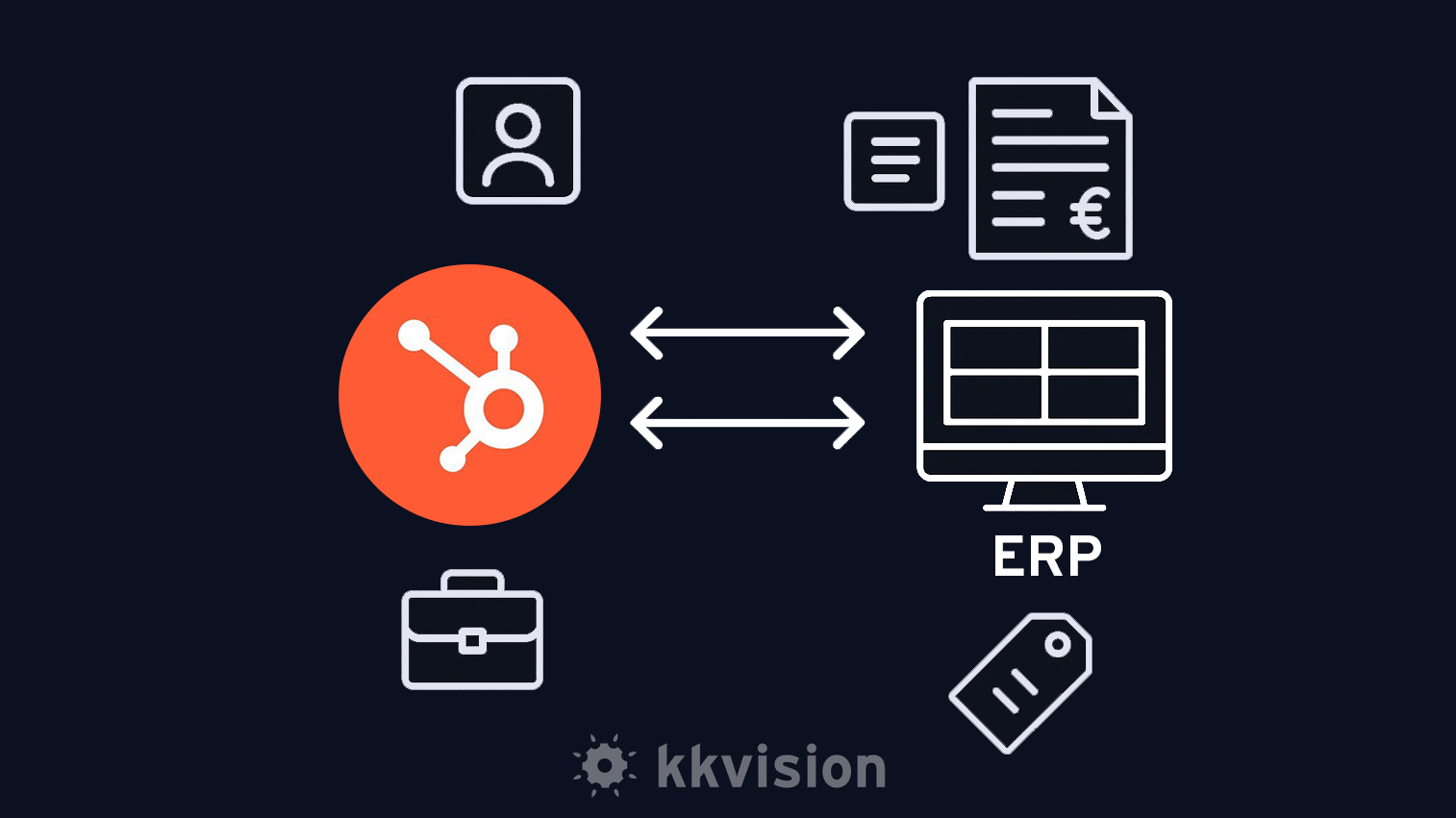
By integrating both systems, a central and always up-to-date data foundation is created, providing all relevant information for sales, marketing, customer service, accounting, and other departments. The integration makes product data and product information centrally accessible, helping to optimize business processes. Various platforms and software solutions optimally support individual business requirements and can be tailored to the specific needs of the company. The need for such integration arises especially in the context of digital transformation and the increasing complexity of everyday business operations.
Integrating ERP systems with HubSpot is a key success factor for modern businesses aiming to design their processes efficiently, digitally, and future-ready. An ERP system (Enterprise Resource Planning) forms the backbone of a company's IT infrastructure and manages all operations – from production and sales to finance. By strategically connecting it with HubSpot as a CRM platform, a powerful interface is created that enables automated, real-time data exchange across all departments.
Companies in e-commerce particularly benefit from this seamless integration: online stores, ERP systems, and CRM platforms like HubSpot work hand in hand, ensuring that orders, customer data, and inventory levels are always current and centrally accessible. This enables fast order processing, personalized customer engagement, and an optimized customer experience across all channels. At the same time, integration enhances interdepartmental communication, boosts efficiency, and supports long-term customer retention.
As process complexity and data volumes grow, HubSpot ERP integration ensures that all teams access the same consistent data and collaborate effectively. Automated workflows reduce manual data entry, minimize errors, and provide a holistic view of customers, orders, and business processes. This increases the relevance of customer engagement and improves customer satisfaction through consistent information across all channels. Overall, the integration significantly contributes to optimizing business operations, enhancing competitiveness, and driving sustainable company growth.
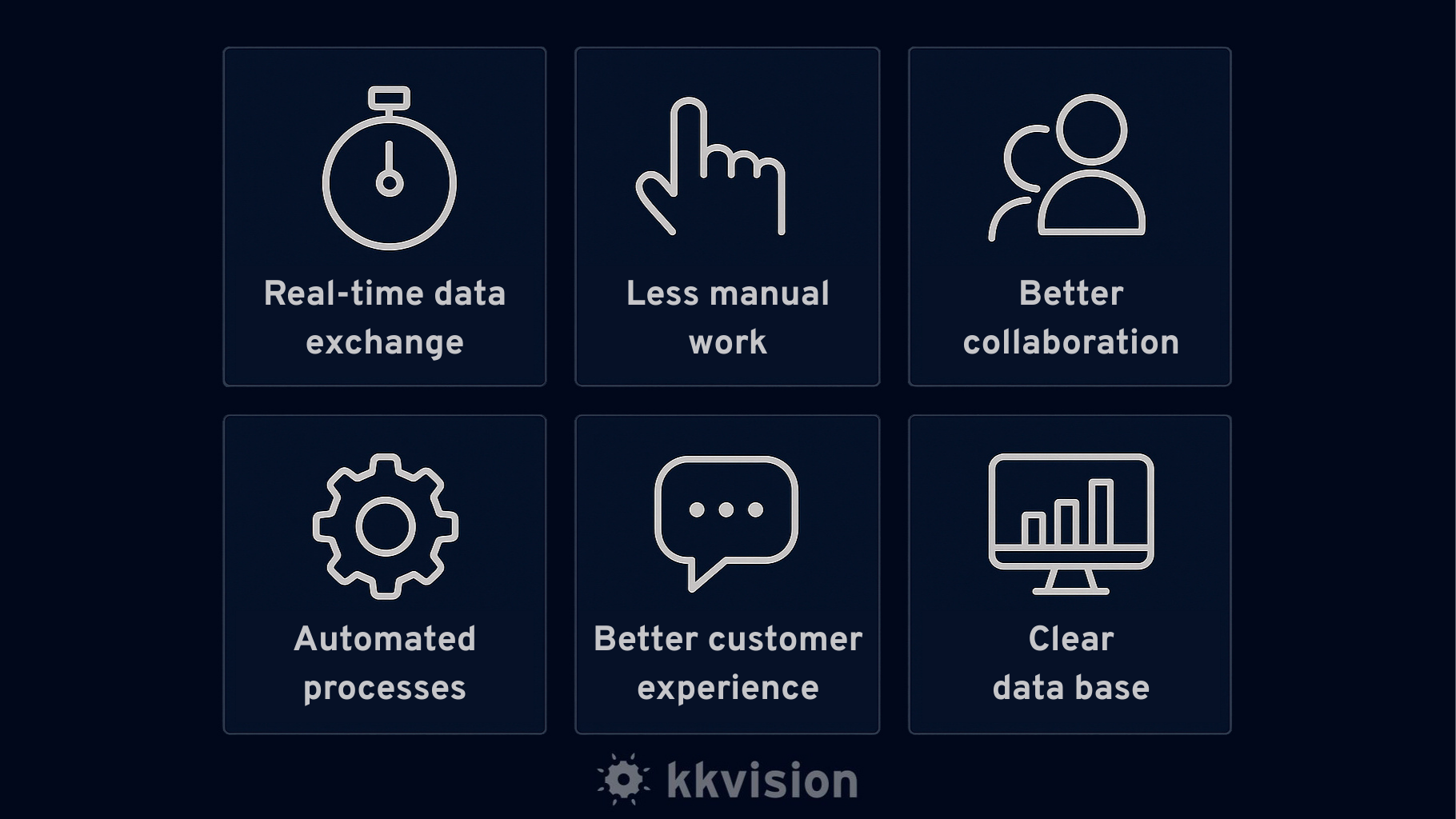
Automated Data Exchange: Customer data, orders, invoices, inventory, and product information are automatically synchronized, making processes more efficient.
Central Data Foundation: All teams work with up-to-date, consistent data, providing a holistic view of customers and processes.
Increased Efficiency: Automated workflows save time, reduce errors, and allow teams to focus on value-adding tasks.
Improved Customer Experience: Unified customer information ensures a seamless customer journey and strengthens customer loyalty.
Optimized Collaboration: Marketing, sales, customer service, and other departments coordinate processes and offers more effectively.
Tailored Offers: Customer data enables personalized offers and unlocks cross-selling and upselling potential.
Real-Time Sales Insights: Always up-to-date access to sales data supports informed decision-making.
Optimized Production and Order Processes: More efficient management of production and ordering workflows.
Scalability: The integration grows with the company and adapts to new requirements.
The integration connects all departments through a central data foundation and automates, optimizes, and standardizes business processes. In sales, it enables automated lead qualification and seamless tracking of quotes and orders. The role of the ERP interface lies in targeted process optimization, acting as a bridge between systems and significantly enhancing business process efficiency. Sales reps gain access to up-to-date ERP data such as inventory levels, pricing, or delivery times, allowing them to respond more quickly to customer inquiries and accelerate the sales process.
In marketing, the integration enables targeted campaigns and personalization. Process automation plays a key role here by making marketing activities more efficient and data-driven. ERP data helps align marketing efforts more closely with customer needs and purchasing behavior – for example, through automated product recommendations based on order history.
For e-commerce and online shops, the integration offers real-time synchronization of orders, customer data, and inventory. This improves order processing, inventory management, and customer communication, thereby enhancing the overall customer experience – especially as the integration ensures continuity and reliability on both sides (HubSpot and ERP).
In customer service, teams benefit from a complete overview of customer history, open orders, invoices, and support requests – all available centrally within HubSpot. This simplifies case handling, improves support efficiency, and contributes to customer satisfaction and long-term loyalty.
Overall, the integration automates processes, keeps data consistent, and strengthens collaboration between marketing, sales, e-commerce, and customer service. As a result, businesses can respond more quickly to market changes, target customers more effectively, and support sustainable growth. The integration plays a vital role in business process management, serving as a key tool that significantly impacts efficiency and success. A professional integration also ensures data security and reliability.
Selecting the right ERP system is crucial. Companies should carefully analyze their individual requirements and pay particular attention to compatibility with existing systems like HubSpot. In addition to scalability, user-friendliness, and functionality, factors such as cost and implementation time also play an important role. It’s important to note that, in addition to modern cloud-based solutions, there are also on-premise ERP systems that are installed locally and often only integrate with cloud-based platforms like HubSpot to a limited extent or with significantly greater effort. Therefore, early assessment of integration capability is essential to ensure a cost-effective and timely implementation.
Common challenges in ERP integrations include missing or limited interfaces, differing data structures, proper duplicate management, complex permission logics, as well as error handling and adaptation to individual business processes. It’s not just technical obstacles that complicate or jeopardize integrations, equally critical are thorough analysis, realistic effort estimation, and close coordination with the client. Lack of communication, unclear expectations, or insufficient understanding of internal processes often cause projects to stall. Experience, structured planning, and early transparency are therefore key factors for successful implementation.
Since many ERP systems do not offer a native HubSpot interface, custom integrations are often necessary. kkvision supports you from concept to maintenance, tailoring the integration to your specific processes to achieve optimal results. Our expertise lies particularly in the implementation of HubSpot ERP integrations, where we apply proven best practices for smooth deployment and integration.
Define Goals: Which data and processes should be synchronized?
System Analysis: Are there existing interfaces or special requirements?
Technology Selection: App, API, integration platform, or middleware?
Field Mapping: Which data fields should be transferred, and how?
Pilot Phase: Testing with realistic data.
Go-Live: Productive use with monitoring.
Ongoing Development: Adjustments for new requirements.
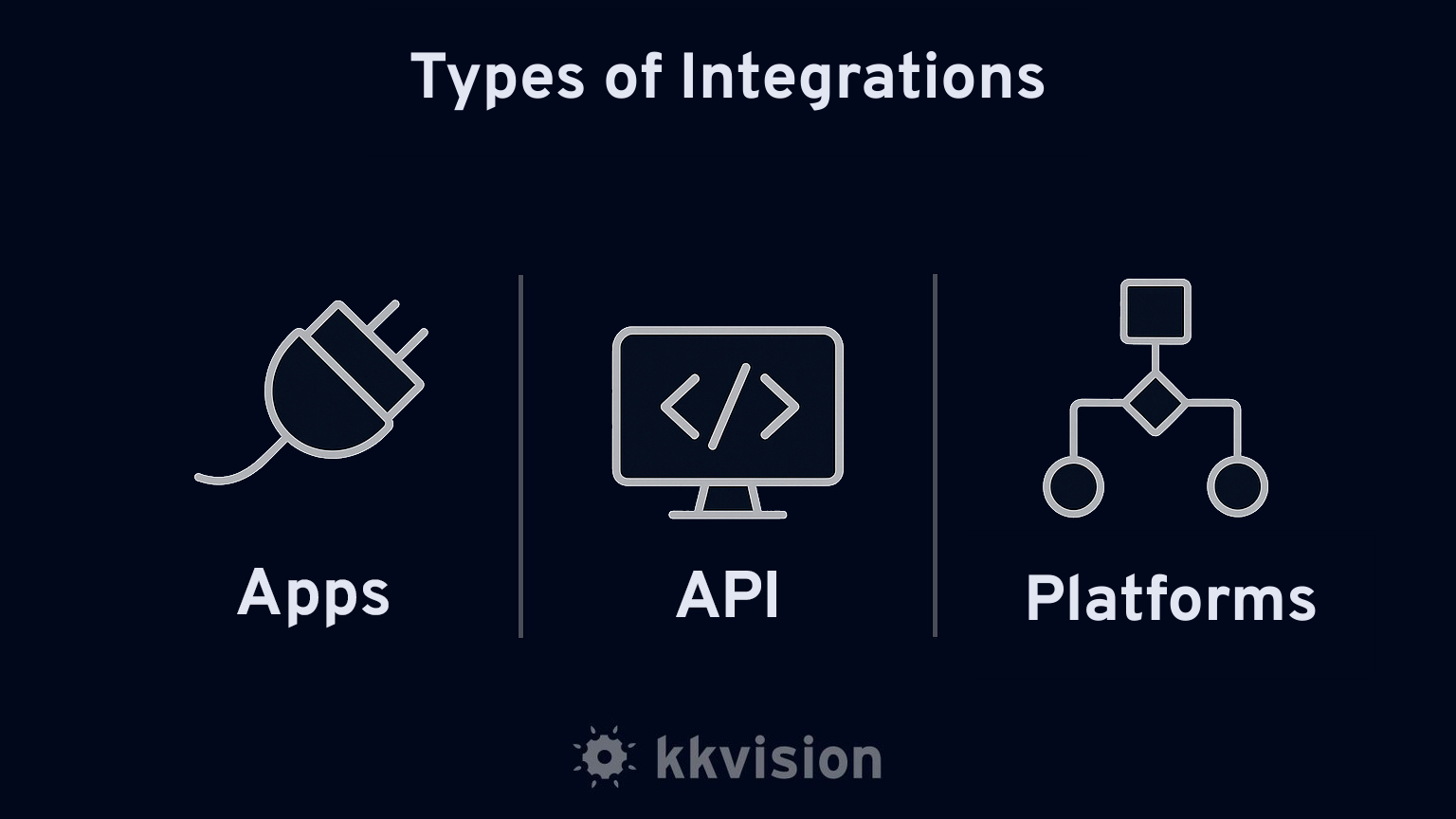
Eine stabile Verbindung zwischen HubSpot und ERP-System ist entscheidend. Verschiedene technische Ansätze kommen zum Einsatz:
Existing integrations allow for quick connectivity with basic functionality.
REST or SOAP APIs enable flexible data exchange and the mapping of complex processes.
Tools like Make.com or Zapier create visual workflows without requiring your own infrastructure and allow for easy extensions.
HubSpot API (REST): Access to contacts, deals, companies, products, and other objects.
HubSpot Operations Hub: Extends API calls and enables custom code integrations.
ERP-Specific APIs: Vary depending on the system.
Integration Platforms: Make.com, Zapier, and webMethods offer various connectivity options.
Custom Middleware: Often necessary for complex requirements.
Emerging technologies such as AI, machine learning, IoT, and cloud services are enhancing automation, personalization, and flexibility. Companies must continuously evolve their systems to remain competitive and ensure sustainable growth.
The integration connects HubSpot as a CRM platform with the capabilities of an ERP system. Companies benefit from optimized workflows, improved customer retention, automated marketing campaigns, and a holistic view of customers, orders, inventory, and finances. Especially in e-commerce, sales, marketing, and customer service, it drives growth, efficiency, and customer satisfaction.
Integrating HubSpot with ERP systems opens up new opportunities for companies to optimize their business processes and promote sustainable growth. By combining both systems, businesses gain a comprehensive view of their customers, sales and marketing activities, as well as internal operations. This leads to stronger customer loyalty, a more efficient sales strategy, and an improved customer experience.
To fully leverage the benefits of ERP integration, it is essential to analyze the company’s individual needs and goals and choose a tailored integration solution. Close collaboration with an experienced partner like W4 ensures that the integration between HubSpot and ERP systems runs smoothly and is optimally adapted to specific business processes.
The benefits of a successful integration are clear: increased efficiency, improved cross-departmental collaboration, data-driven decision-making, and higher customer satisfaction. Companies that invest in the integration of HubSpot and ERP systems lay the foundation for sustainable growth, strong customer relationships, and a future-proof position in the market.
Would you like to connect HubSpot with your ERP system? Contact us for a consultation. Together, we’ll develop a tailored HubSpot ERP integration solution that future-proofs your business.

 Email Luca Körner: lkoerner@kkvision.de
All articles from Luca Körner.
Email Luca Körner: lkoerner@kkvision.de
All articles from Luca Körner.
The HubSpot AI integration with Make connects HubSpot with the no-code platform Make.com to easily implement AI-powered automations in marketing, sales, and service. kkvision supports you from...
Salesforce Administration refers to the administration of the eponymous platform Salesforce. Administrative activities include in particular the configuration of Salesforce, the implementation of...
AI, CRM & Customer Service - an unbeatable trio. Discover how you can elevate your customer service and CRM to the next level with ChatGPT prompts.